There’s a particular kind of dread that comes with opening a blank email editor at 9 a.m. on a Monday. You know the campaign needs to go out by noon, you know roughly what it should say, but the empty canvas and the blinking cursor have a way of eating thirty minutes before a single heading exists. Odoo 20 is betting that its new template library can kill that feeling entirely — and based on what’s shipping, the bet looks well-placed.
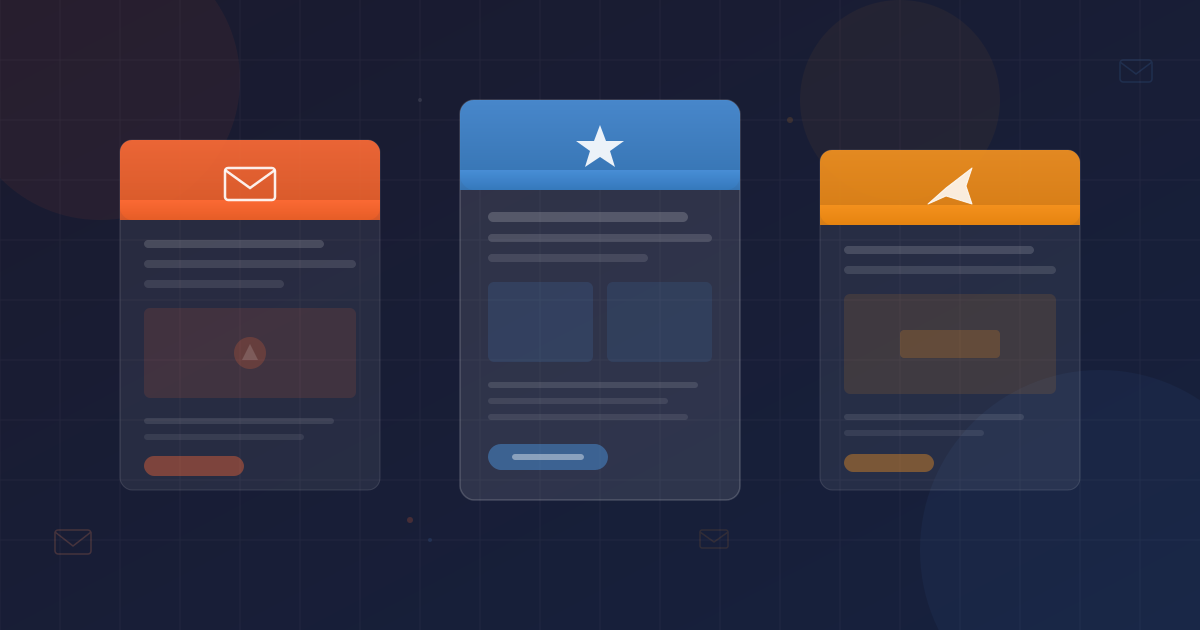
A Library, Not a Graveyard of Starter Files
The distinction matters. Plenty of email tools ship a folder of sample templates that look great in a demo and useless in practice — wrong colors, wrong tone, layouts that fall apart the moment you swap in your own product image. Odoo’s approach is closer to what Canva did for graphic design: a curated gallery of production-ready layouts organized by purpose, each one built to absorb your branding rather than fight it.
The templates cover the campaigns most businesses actually send: product announcements, newsletters, promotional offers, event invitations, and seasonal outreach. Each one comes with placeholder text that reads like real copy (not “Lorem ipsum”), image blocks sized for common aspect ratios, and pre-wired call-to-action buttons. Pick a template, swap in your content, and you’re sending — not debugging column widths in a responsive email client.
Consistency Without a Style Guide Police Force
For companies running email marketing across multiple team members or departments, brand consistency has always been the thing that slips first. One person uses the old logo. Another picks a font that doesn’t match the website. A third decides the CTA button should be lime green because “it pops.” The template library solves this not by locking things down, but by making the right choice the easiest choice.
When templates inherit from the same design system, every email that leaves the platform looks like it belongs to the same brand. Colors, typography, spacing, and button styles stay coherent across campaigns without anyone needing to consult a PDF style guide or chase down a designer for approval. The templates act as guardrails: flexible enough to customize, rigid enough to prevent the visual chaos that creeps in when everyone builds from scratch.
The Module Got a Full Rewrite, Not Just a Feature Tack-On
What makes this release more interesting than a typical feature drop is that Odoo didn’t just bolt a template picker onto the existing Email Marketing module. The entire module has been overhauled — workflows reorganized, settings clarified, and the campaign creation process restructured around the way marketers actually work in 2026 rather than the way the module was originally designed years ago.
The practical effect is that someone setting up their first email campaign in Odoo today will encounter a significantly cleaner experience than they would have six months ago. Configuration options that used to be buried three menus deep are now surfaced where you’d expect them. The flow from “I want to send an email” to “the email is sent” has fewer detours and fewer moments of confusion.
Who This Actually Helps
The template library is most valuable for the businesses that Odoo serves in the largest numbers: small and mid-sized companies where the person running email campaigns is also handling three other jobs. They don’t have a dedicated email designer. They don’t have time to learn Mailchimp’s template language or maintain a separate tool. They need to send professional-looking emails from inside the same platform where they manage their invoices, inventory, and customer relationships.
For those teams, the gap between “we should do email marketing” and “we are doing email marketing” just got a lot smaller. A template library won’t write your subject lines or segment your audience, but it removes the single biggest friction point in campaign execution: the part where you have to design something before you can say something. Now you just have to say something, and the design is already handled.