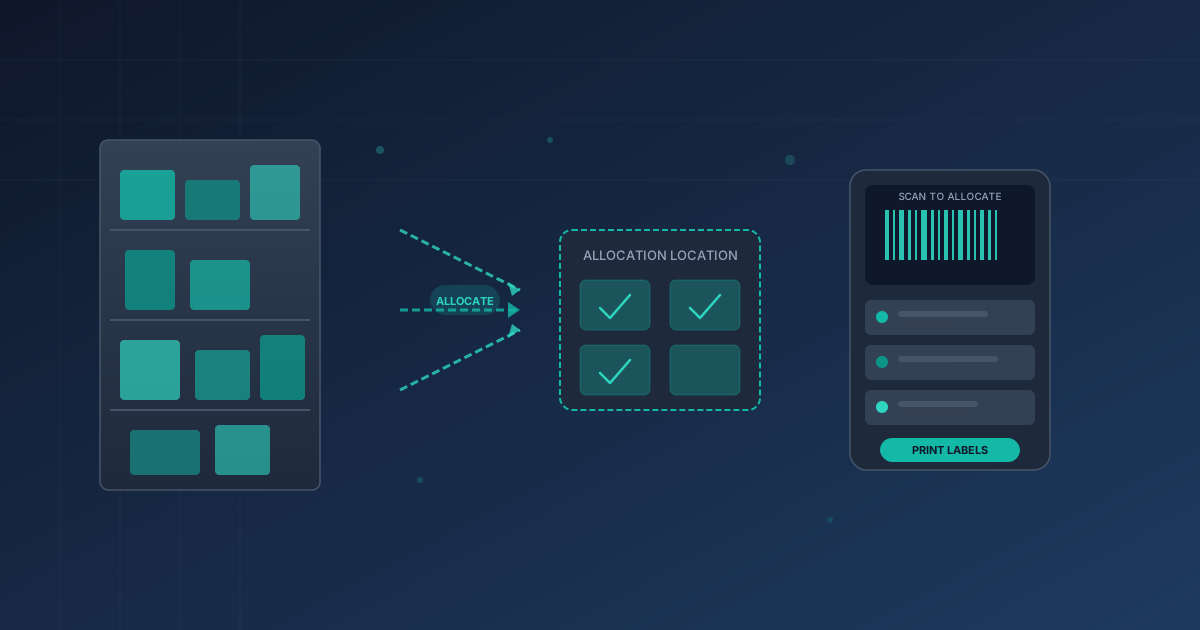
Warehouse managers who juggle dozens of outbound orders at once know the pain of allocation — deciding which units go to which order before anything actually moves. Odoo 20 just made that process considerably less painful. The platform’s inventory allocation report has been expanded with more ways to trigger allocations, a dedicated physical location where allocated goods can live, and barcode-driven label printing that brings the whole workflow onto the warehouse floor.
Allocate From More Places, Not Just One Report
Previously, allocating inventory meant opening one specific report and working through it line by line. That’s fine when you’re at a desk, but it doesn’t match how most warehouses actually operate. In version 20, allocations can now be triggered from the forecasted report — the view that shows incoming and outgoing stock over time — with a new Assign and Unassign toggle built directly into the interface. If a warehouse worker is reviewing upcoming demand and spots that a product needs to be set aside for a specific sales order, they can allocate it on the spot without switching screens.
The bigger shift is that allocations now flow through the Barcode app as well. During receipt scanning, workers can allocate incoming goods to pending orders right as products arrive. This eliminates the lag between “received” and “allocated” that used to require a second pass through the system. Products get earmarked before they even hit the shelf.
A Dedicated Location for Allocated Stock
One of the more practical additions is the optional allocation location. Warehouses can now configure a specific physical location — a staging area, a reserved shelf, a packing zone — where allocated products are sent. This is set per operation type on the operation type form, using a new “Location for allocation” field.
The logic here is straightforward but important. When stock sits in general inventory, it’s always at risk of being grabbed for the wrong order. A dedicated allocation location creates a physical boundary that matches the logical one. If your warehouse has a pre-pack staging area, you can route allocated products there automatically, making it obvious to floor workers which goods are spoken for and which are still available.
There’s a useful guardrail built in, too: quantities that are already reserved from existing stock can’t be double-allocated. The report only shows the remaining unreserved quantity, preventing the kind of over-commitment that leads to picking errors and delayed shipments.
Print Labels Straight From the Barcode App
The new “Allocated products” section in the Barcode app closes the loop between digital allocation and physical warehouse operations. Workers can view which products have been allocated to which orders and print barcode labels for those products directly from their scanning device. No detour through a separate printing workflow, no manual label creation — scan, confirm, print.
For warehouses running high-volume fulfillment, this is the kind of small efficiency gain that compounds across hundreds of daily picks. A label that travels with the allocated product from shelf to packing station reduces misidentification errors and speeds up the final packing step. It’s not a revolutionary feature on its own, but it’s exactly the kind of floor-level optimization that separates a warehouse management system people tolerate from one they actually want to use.
Cleaner Terminology, Clearer Status
A smaller but welcome change: the allocation report now uses “Assigned” instead of “Reserved” as its toggle column label. The distinction matters because reservation and allocation are different operations in warehouse management — reserved stock is locked by the system for a specific demand, while allocated stock is a more flexible human decision about where goods should go. The updated terminology aligns the interface with how warehouse teams actually think about their workflow, reducing confusion for anyone trained on standard logistics vocabulary.
Taken together, these changes reflect a clear direction: Odoo is pushing allocation from a back-office planning exercise into a real-time warehouse floor activity. More entry points, a physical destination, and label printing on the spot — it’s a workflow that finally matches the pace at which modern warehouses actually move product.