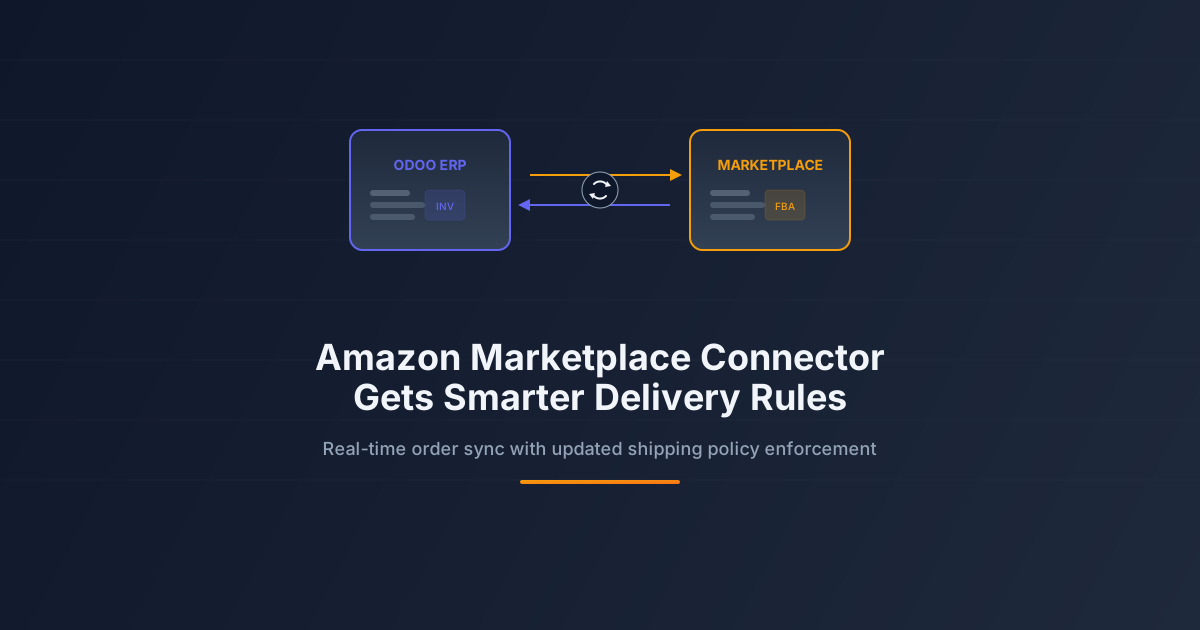
Selling on Amazon while running your business through an ERP has always involved a certain amount of friction. Orders come in through Seller Central, inventory lives in the ERP, and shipping rules exist in both places — sometimes contradicting each other. The typical fix involves middleware, manual reconciliation, or a resigned acceptance that the two systems will occasionally disagree about what’s been shipped and what hasn’t.
Odoo’s Amazon connector has been chipping away at this problem for several versions, but the latest round of changes targets a specific pain point: delivery policy enforcement. Amazon has increasingly strict rules about when orders must ship, what tracking information must be provided, and how delivery windows are communicated to buyers. Miss these requirements, and your seller metrics take a hit. Miss them consistently, and your account gets suspended.
Delivery Policies That Cross System Boundaries
The core change is straightforward: when Odoo imports an Amazon order, it now reads and applies the marketplace’s delivery policy for that specific product category and shipping destination. Previously, the connector imported orders and left shipping logistics to whatever workflow was configured in Odoo’s inventory module. The gap between “what Amazon expects” and “what the warehouse actually does” was the seller’s problem to manage.
Now, the delivery expectations travel with the order. If Amazon requires a specific carrier for Prime-eligible items, the Odoo sales order flags it. If the delivery window is tighter than the warehouse’s default processing time, the system escalates the priority. If a product category requires signature confirmation on delivery, that requirement propagates to the shipping label generation step.
This doesn’t replace the warehouse team’s judgment — it gives them the information they need without requiring them to cross-reference Seller Central for every order. The delivery policy appears on the sales order and the delivery slip, right where the warehouse staff is already looking.
Carrier Mapping That Handles the Translation Layer
Amazon has its own taxonomy of shipping carriers and service levels. Your ERP has a different one. The connector now includes a carrier mapping configuration that translates between the two. When Amazon specifies “USPS Priority Mail” as the expected shipping method, the system maps it to the corresponding carrier and service level in Odoo’s delivery module.
This mapping is configurable per marketplace. A seller operating on Amazon US, Amazon UK, and Amazon Germany can maintain separate carrier mappings for each, reflecting the different logistics providers available in each country. The configuration lives in Odoo’s settings, not in a spreadsheet taped to someone’s monitor.
Tracking Numbers That Flow Both Ways
When a delivery is confirmed in Odoo and a tracking number is generated, the connector pushes that information back to Amazon automatically. This isn’t new — but the reliability of the sync has improved. Failed uploads now retry with exponential backoff instead of silently dropping. The system logs sync failures with enough context for an operations team to diagnose issues without digging through API logs.
For sellers using Fulfillment by Amazon, the flow reverses: Amazon provides tracking information, and the connector pulls it into Odoo’s delivery records. The result is a single view of all shipments — whether fulfilled from the seller’s warehouse or from Amazon’s fulfillment centers — inside the ERP.
Inventory Sync That Prevents Overselling
The connector also tightens inventory synchronization between Odoo’s stock module and Amazon’s listing availability. When stock levels change in the ERP — whether from a new receipt, a manufacturing order completion, or a stock adjustment — the updated availability pushes to Amazon within the configured sync interval.
This matters most during high-velocity selling periods. Black Friday doesn’t wait for a nightly batch sync. If the warehouse receives a late shipment of a popular item at 2 PM, the connector can update Amazon’s available quantity within minutes, not hours. The inverse is equally important: when stock drops to zero, the listing goes inactive before Amazon can sell units that don’t exist.
Multi-Channel Without the Multi-Headache
The broader context here is multi-channel retail. Sellers who list on Amazon typically also sell through their own website, maybe eBay, maybe a brick-and-mortar store. Each channel has its own inventory pool, its own delivery expectations, and its own set of rules about what constitutes an acceptable shipping performance.
By embedding Amazon’s delivery policy requirements directly into the ERP’s order processing workflow, the connector removes one of the channels from the manual oversight list. Amazon orders play by Amazon’s rules automatically. The operations team can focus their attention on the channels that don’t have native ERP integration, instead of babysitting all of them equally.
For sellers who have been burned by late shipment metrics or tracking upload failures, this is a practical improvement. It won’t fix a fundamentally broken fulfillment process, but it will stop the ERP from being the weak link in an otherwise functional supply chain.