Running a business in Mexico means living inside a web of fiscal rules that most ERP systems handle as an afterthought. The SAT doesn’t leave room for approximation: every invoice carries a digitally signed CFDI, every cancellation needs a documented reason code, and every account in the chart needs to follow a prescribed numbering scheme that maps directly to government reporting templates. Getting any of this wrong means rejected filings, penalties, or worse.
Odoo 19.3 ships a substantial rewrite of its Mexican localization that touches nearly every corner of the fiscal workflow. The changes aren’t cosmetic — they reshape how cash transactions round, how invoices get cancelled and replaced, how account hierarchies feed into XML reports, and how the trial balance gets exported for SAT submission.
Cash Rounding That Doesn’t Break the CFDI
Cash rounding has been a persistent headache for Mexican businesses using ERP systems. The problem is straightforward: when a customer pays in cash, the total gets rounded to the nearest peso, but the CFDI — the legally binding electronic invoice — needs to reflect the original calculated amount, not the rounded one. Systems that round the CFDI amount directly create a mismatch between what the government sees and what actually changed hands.
Odoo 19.3 handles this by using the “Add a rounding line” method. When cash rounding applies, the system inserts a separate line item that adjusts the paid amount while leaving the CFDI total untouched. The customer pays the rounded figure, the accounting entries balance, and the digital tax document still carries the precise, unrounded amount that SAT expects. It’s the kind of detail that only matters until it creates a tax filing discrepancy — and then it matters enormously.
One-Step Invoice Substitution
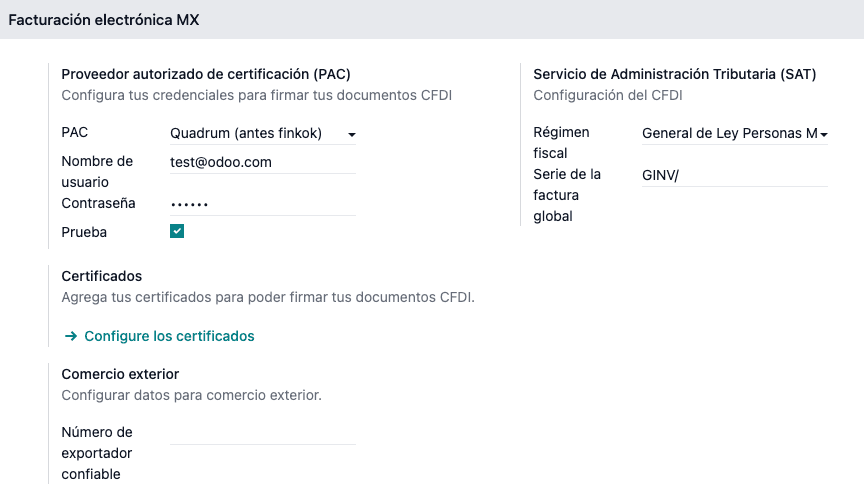
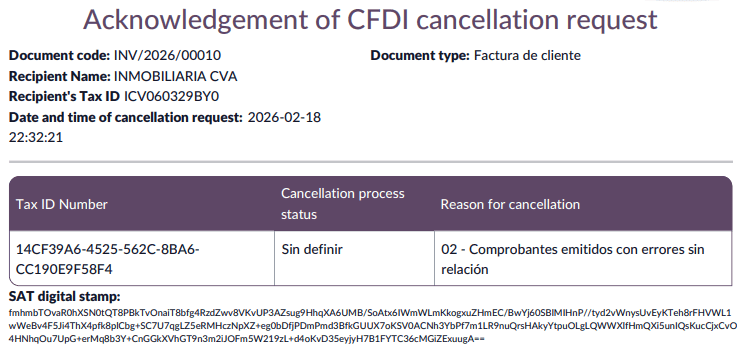
Cancelling a CFDI in Mexico isn’t as simple as voiding an invoice. The SAT requires a specific reason code, and when the reason is “01” — meaning the invoice is being replaced by a corrected version — the process traditionally involved multiple manual steps: create the replacement invoice, sign it, then go back to the original and cancel it with the proper fiscal folio reference.
The 19.3 update automates this entire chain. When a business issues a substitution invoice, the system now automatically cancels the original invoice the moment the new one receives its digital signature. No manual return trip to the old invoice, no risk of forgetting the cancellation step and leaving a duplicate CFDI floating in the SAT’s system. The substitution and cancellation happen as a single atomic operation.

Payment Cancellation Gets Its Own Workflow
Payment complements — the CFDI documents that record partial or deferred payments against invoices — now have a dedicated cancellation procedure. The process starts with unreconciling the payment from the original invoice, then uses the CFDI Origin field with a specific 04| prefix followed by the fiscal folio to create the cancellation record.
This is a departure from how payment cancellations worked before, where the steps were scattered across different parts of the documentation and easy to execute out of order. The new workflow makes the sequence explicit: unreconcile first, then cancel with the correct origin reference. For businesses that process hundreds of partial payments monthly, having a clear, repeatable procedure eliminates a category of errors that previously required manual SAT portal corrections.
Account Hierarchies Now Feed Directly Into SAT Reports
The chart of accounts in Mexico follows a rigid numbering pattern that the SAT uses for automated report validation. Odoo 19.3 expands the supported numbering scheme from the previousNNN.YY.ZZ format to includeNNN.XX.YYY.ZZ variants, accommodating businesses with more granular account structures.
More importantly, the update introduces parent account configuration for building report hierarchies. Setting a parent account creates the nesting structure that SAT’s XML reports expect. There are two validation rules that catch common mistakes: accounts with fewer than five digits require explicit validation before they’ll save, and accounts with fewer than three characters won’t appear in XML report exports at all. These guardrails prevent the silent data loss that used to happen when short account codes were created and then mysteriously disappeared from submitted reports.
Trial Balance Gets a Submit Type Selector
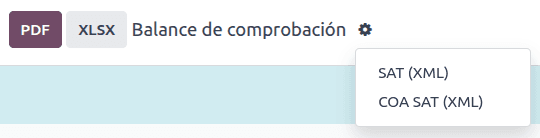
The Export SAT window for trial balance reports now includes a Submit Type field with two options: Normal and Supplementary. This distinction matters during audit periods or when the SAT requests additional documentation. Previously, generating a supplementary trial balance required manual XML manipulation or workarounds through third-party tools. Having it as a native option in the export dialog means the report carries the correct metadata from the moment it’s generated.
Module Consolidation Under the Hood
Behind the scenes, Odoo merged three separate Mexican reporting modules into one. The standalone modules for closing reports and XML polizas are gone, absorbed into the mainl10n_mx_reports module that now handles the chart of accounts, trial balance, DIOT reports, and audit reports from a single package. For businesses already running on Odoo, this simplifies module management. For new implementations, it means fewer moving parts to install and configure.
What This Means for Mexican Businesses on Odoo
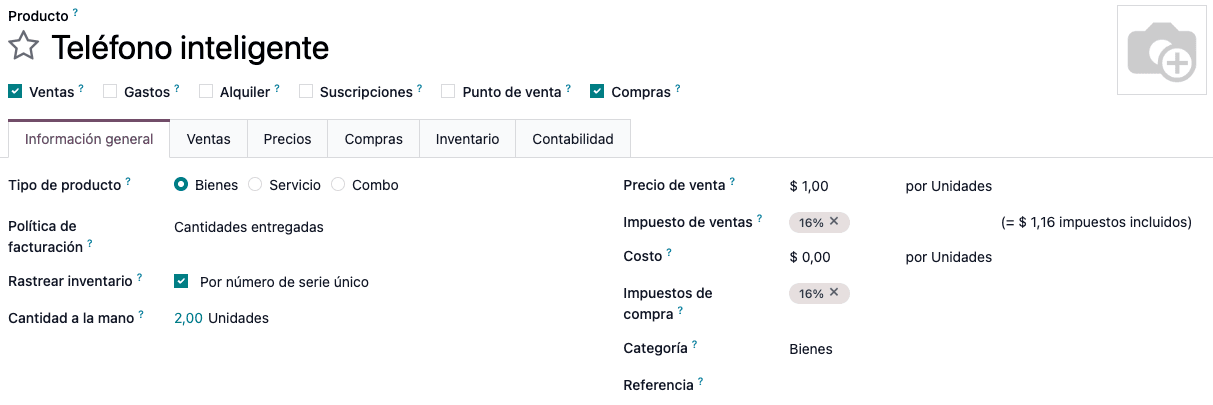
Taken individually, each of these changes addresses a specific pain point that Mexican accountants and finance teams deal with regularly. Cash rounding errors that create CFDI mismatches. Forgotten cancellation steps that leave duplicate invoices in the SAT system. Account codes that silently vanish from reports. Trial balance exports that need manual type annotation.
Taken together, they represent Odoo treating Mexico not as a localization checkbox but as a first-class fiscal jurisdiction with requirements that deserve dedicated engineering attention. The 19.3 update doesn’t add flashy new features — it makes the existing fiscal workflow actually reliable, which for businesses navigating SAT compliance every month, matters far more than any new dashboard widget ever could.