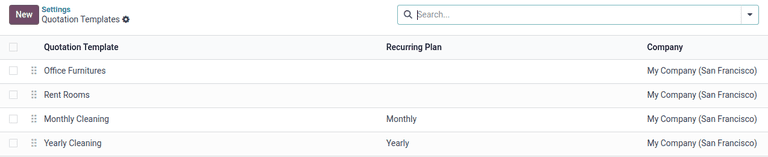
Every sales team has that one quotation structure they rebuild constantly. The three-tier service package. The hardware bundle with installation fees grouped beneath it. The recurring subscription block that always gets paired with a one-time setup section. Until now, Odoo’s quotation templates handled the broad strokes — pre-filled product lines, optional items, terms — but the internal organization of those lines was always manual. You’d create a section header, drag products under it, and do it all again on the next quote.
Odoo 19.3 fixes this with section templates: the ability to save a group of quotation lines — section header, products, quantities, pricing — as a reusable block that can be dropped into any new quotation with a single action.
What Section Templates Actually Do
A section template captures everything beneath a section header in the Lines tab of a quotation. That includes the section name itself, every product line grouped under it, their default quantities, and any notes or subtotals associated with that block. When you apply a section template to a new quotation, the entire structure appears pre-built — same products, same order, same grouping.
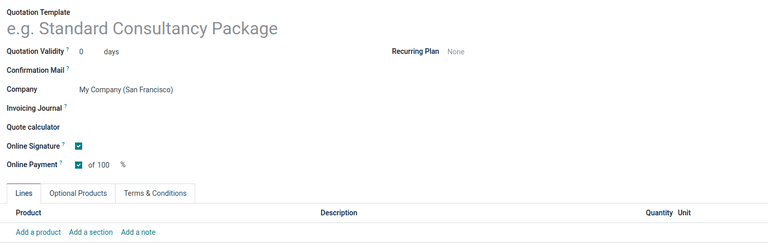
The workflow is straightforward. Inside any quotation, you build a section the way you normally would: click “Add a section,” name it, add product lines beneath it, arrange them with drag-and-drop. Once the section looks right, a new “Save as Template” option lets you capture it. From that point on, it appears in the section template library, ready to be inserted into future quotations.
Where This Fits in the Quoting Workflow
Quotation templates in Odoo have always worked at the document level: you pick a template and it populates the entire quote. Section templates work one level down. You can use a document-level template to set the overall structure, then add or swap individual sections as needed. Or you can skip document templates entirely and build quotes section by section from your library.
This matters most for sales teams that deal in configurable offerings. A managed IT services company might have a “Monitoring” section, a “Helpdesk Support” section, and a “Hardware Refresh” section. Different clients get different combinations, but the internal structure of each section stays consistent. Without section templates, the sales rep rebuilds those blocks manually every time. With them, they assemble a quote from pre-built pieces.
The Settings Tab Gets Its Own Space
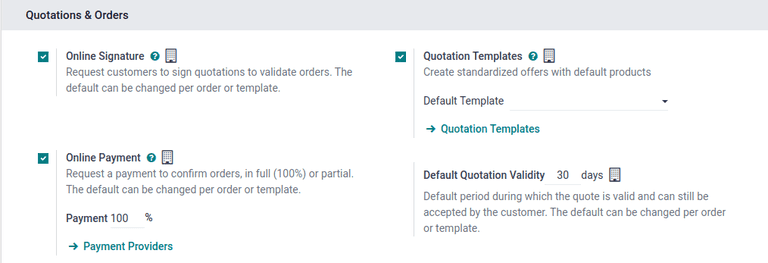
Alongside section templates, Odoo 19.3 breaks out a dedicated Settings tab within quotation template configuration. Previously, template settings were scattered across the form — confirmation behavior, journal selection, and validity periods lived in different spots. The new Settings tab consolidates these into a single panel, making it easier to configure template behavior without hunting through the form.
The Practical Impact
The change sounds incremental, but it addresses a real friction point in high-volume sales operations. Teams that send dozens of quotes per week — each with standardized product groupings but varying combinations — spend a surprising amount of time rebuilding the same sections. Section templates turn that repeated work into a library of composable blocks.
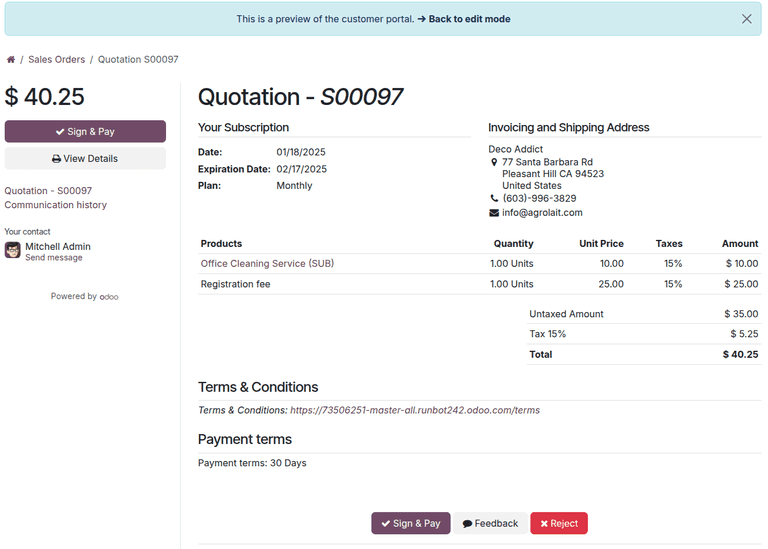
It also makes onboarding new salespeople faster. Instead of teaching someone which products go in which order under which section headers, you hand them a set of pre-built sections and let the template library enforce consistency. The tribal knowledge of “how we structure our quotes” moves from people’s heads into the system.
For organizations already using Odoo’s PDF Quote Builder to generate polished customer-facing proposals, section templates add another layer of repeatability. The sections maintain their structure through the PDF rendering pipeline, so the visual output stays consistent regardless of which sales rep assembled the quote.