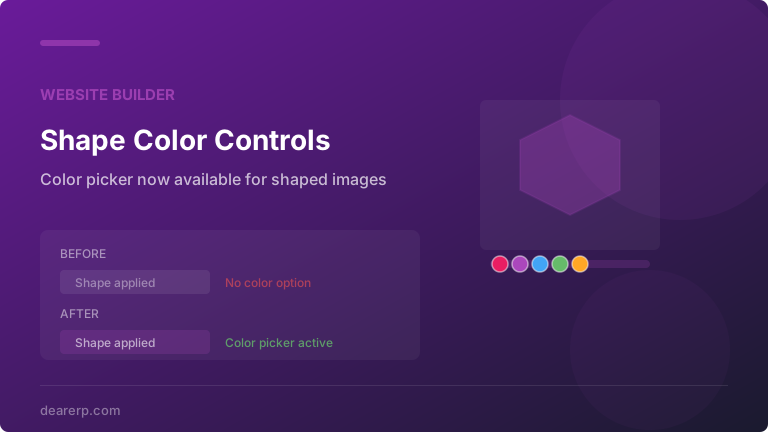
Odoo’s Website Builder has a feature that lets designers apply decorative shapes to images — circles, hexagons, blobs, diagonal cuts, and other geometric masks that crop photos into visually interesting forms. It’s one of those tools that turns a grid of rectangular product photos into something that actually looks designed.
The problem was that applying a shape made the color customization options disappear. The moment a designer selected a shape mask for an image, the color panel that normally lets them adjust tints, overlays, and background fills vanished from the editing sidebar. The shape worked fine. The image looked correct. But the ability to fine-tune its color treatment was simply gone.
What Was Missing
In the Website Builder’s visual editor, selecting an image typically reveals a panel with options for sizing, alignment, alt text, and color adjustments. Color controls let designers apply tinted overlays, adjust the background fill behind transparent images, or set accent colors that complement the page’s theme palette.
When a shape was applied to an image, the builder’s rendering logic processed the image through an SVG transformation pipeline. The original image gets wrapped in an SVG container that applies the shape as a clipping mask. This transformation changed the element’s type signature in a way that the color option panel didn’t recognize, so it excluded the element from its visibility conditions.
The result was a binary choice for designers: use a shape and lose color controls, or keep color controls and use a plain rectangle. Workarounds existed — manually editing CSS, wrapping the image in a colored container — but they broke the visual editor’s drag-and-drop flow and made future edits harder.
What Changed
The fix updates the HTML Builder’s condition logic for showing the color option panel. Previously, the panel checked whether the selected element was a standard image type. Now it also recognizes images that have been processed through the shape transformation pipeline. The color options appear regardless of whether a shape mask is active.
Designers can now apply a hexagonal mask to a team photo and then add a brand-colored overlay, or use a diagonal cut shape on a hero image and adjust the background fill that shows through the transparent edges. The shape and color workflows are finally independent of each other.
How Odoo’s Image Shape System Works
Understanding why this bug existed requires a quick look at how Odoo processes shaped images under the hood. When a designer applies a shape through the visual editor, the system doesn’t just add a CSS clip-path. Instead, it generates a complete SVG document that contains both the original image (embedded as a base64 data URI or referenced URL) and the shape geometry as a clipping definition.
This SVG is then stored as a database attachment and served as the image source. The approach is more robust than pure CSS clipping because it works consistently across email clients, PDF exports, and older browsers. But it also means the element in the DOM is an SVG rather than a standard <img>tag, which is what confused the color panel’s visibility logic.
The hover animation system that Odoo documented recently — supporting effects like Zoom In, Blur, and Grayscale — uses the same SVG generation pipeline. Getting the color panel to recognize shaped images also means it plays correctly with animated image elements, since both features share the same underlying transformation.
Who This Affects
Any business using Odoo’s Website Builder to create marketing pages, product showcases, or team directories. Shaped images are particularly common on About pages (team headshots in circles), portfolio pages (project screenshots in angled frames), and landing pages (hero images with diagonal cuts that create visual movement).
For agencies and freelancers building Odoo websites for clients, this removes a limitation that forced design compromises. The conversation “we can do the shape or the color overlay, but not both” no longer needs to happen.
Design Flexibility Compounds
This fix arrives alongside the recently added CSS rotation utility classes and the hover animation documentation, both of which expand the visual toolbox available to Odoo website designers. Individually, each change is small. Together, they represent a shift toward giving the Website Builder the kind of design control that previously required custom theme development.
A shaped image with a color overlay and a hover animation effect is now achievable through the visual editor alone. Six months ago, that combination required a developer writing custom SCSS. The builder is steadily closing the gap between what designers want and what the drag-and-drop interface can deliver.